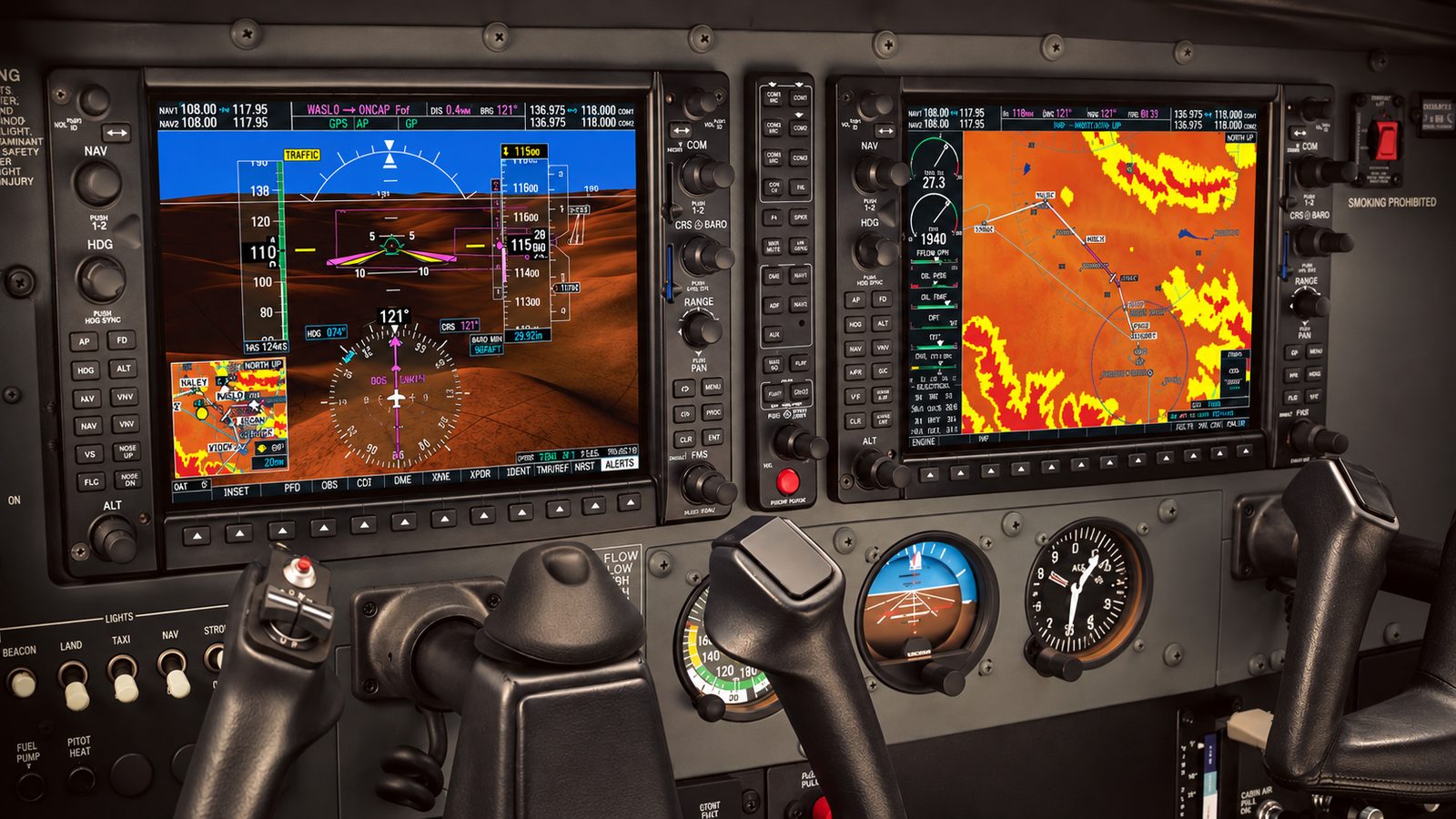
Did you know that when you load a victor airway, the G1000 NXi tries to guess which airway and exit point you want? It bases that guess on the waypoints already in your flight plan, so you don't have to key in every intersection along the route.
This piece draws on the Garmin G1000 NXi Pilot's Guide 190-02177-00 Rev. A, software version 2501.00, for the Cessna Nav III models (172R, 172S, 182T, T182T, 206H, T206H). The manual sums up the behavior in one sentence: "The system also anticipates the desired airway and exit point based on loaded flight plan waypoints."
Table Of Contents
How Airway Loading Works on the G1000 NXi
The Airway Goes in Front of the Waypoint You Select
Highlight the waypoint after the point where you want to join the airway, and the system inserts the airway ahead of it. You can use airway loading while editing either your active route or a saved plan.
Where Victor Airways Sit in the List
On the Select Airway page, low altitude airways come first, then "all" altitude airways, then high altitude airways. Low altitude airways carry a "V" or "T" prefix, so look in the low altitude group, which appears first.
You Need a Valid Entry Waypoint
An airway loads only if the flight plan already contains a waypoint on that airway, and that waypoint cannot belong to an arrival or approach procedure. The LD AIRWY softkey (MFD) or the "Load Airway" menu item (PFD) appears only once a valid entry waypoint sits ahead of the cursor, so enter one first if needed.
Airway Sequence Checks Have Limits
Only correct airway sequences can be inserted, and if you later invert the flight plan, the system reverses the airway waypoints and drops the airway header. One caveat: US airways that are one-way during specified hours are always bidirectional in the database, so honoring that restriction is on you.
Loading an Airway Step by Step
- Press FPL. On the MFD, press the FMS knob to bring up the cursor (the PFD skips this step).
- Turn the large FMS knob until the waypoint after your entry fix is highlighted.
- On the MFD, click the small FMS knob one step clockwise and press LD AIRWY. On the PFD, press MENU and pick "Load Airway."
- Pick the airway and press ENT, then pick the exit point and press ENT.
- With "Load?" highlighted, confirm the airway and exit point match your clearance, then press ENT to insert the airway.
Check It on the Map
On the MFD Navigation Map, press Map Opt, then AWY to cycle through AWY On, AWY LO, AWY HI, and AWY Off. Low altitude airways draw in gray, with a default display range of 50 nm and a maximum of 100 nm. NAVAIDs and intersections defining an airway stay visible at declutter levels that would otherwise hide them.
Conclusion
Put the entry fix in the plan, highlight the next waypoint, and let the G1000 NXi suggest the airway and exit. Before you rely on it in flight, confirm your navigation database is current per your documentation and compare the loaded legs against your clearance on the flight plan page. The manual's airway discussion assumes the North American airway structure, and non-Cessna installations may differ. To learn the behavior, build a stored plan on the ground with an entry fix and a later fix on the same victor airway, load the airway, and note what the system offers first.
Refer to your aircraft's AFM/POH and current Garmin documentation. This article is not a substitute for qualified instruction.
Disclaimer: Some articles on this site are created with the assistance of AI technology. While we work to keep our content accurate, it may contain errors or outdated information, so please verify important details before relying on them.