The Ultimate iPhone 17 Guide for Pilots: Which Model Rules the Skies in 2025?
Table of Contents
- Introduction - Why Your iPhone Choice Matters More in the Cockpit
- Meet the 2025 iPhone 17 Lineup - Four Models, Different Missions
- Display Technology - Conquering Cockpit Glare and Sunlight
- Connectivity Features That Matter at 10,000 Feet
- Emergency and Satellite Features - Your Digital Safety Net
- Battery Performance and Charging - Powering Through Long Flights
- Camera and Video Capabilities - Beyond Personal Use
- Model-by-Model Pilot Recommendations
- Accessories and Integration - Completing Your Cockpit Setup
- Cost Analysis and Value Proposition for Pilots
- Conclusion - Making Your Final Approach Decision
- Frequently Asked Questions
- Sources
Introduction - Why your iPhone choice matters more in the cockpit
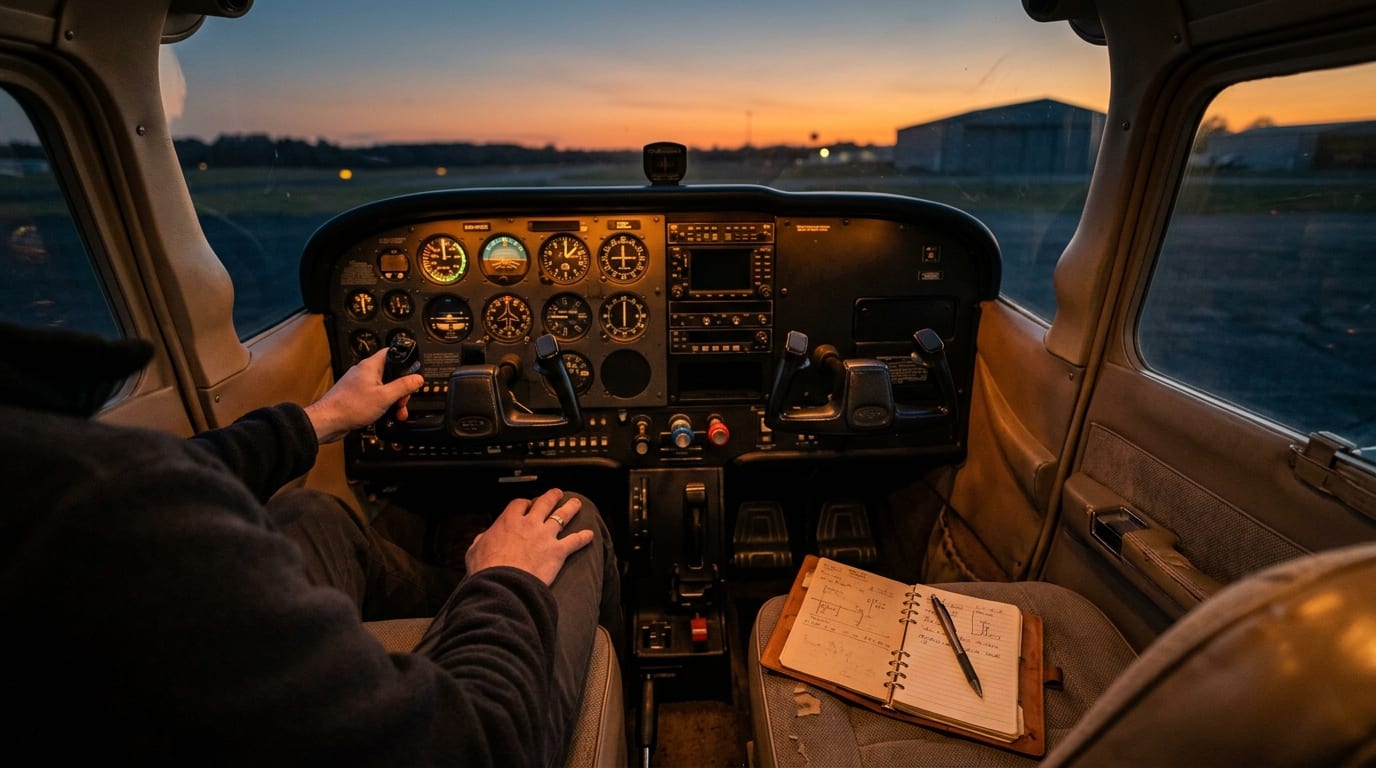
If you fly with an iPhone in the cockpit, it is not just a phone. It is your backup display for plates, a camera for squawks and discrepancies, a quick-lookup tool for FBO logistics, and sometimes your emergency lifeline when you are off the beaten path. Apple’s 2025 iPhone 17 lineup brings upgrades that matter in an aviation context, especially OLED displays that can reach up to 3,000 nits, a 120 Hz refresh rate across the family, and always-on display capability, all of which improve daylight readability and glanceable awareness in bright cockpits [1].
Battery life also steps up at the high end, with the Pro Max rated for up to 39 hours of video playback, which is the longest in the lineup and helpful for all-day operations [2].
Here is how I recommend you evaluate the iPhone 17 family specifically for cockpit use. I will break down the lineup, then walk you through pilot-specific factors like glare, battery endurance, pilot workflow, documentation, and real-world value.
Meet the 2025 iPhone 17 lineup - four models, different missions
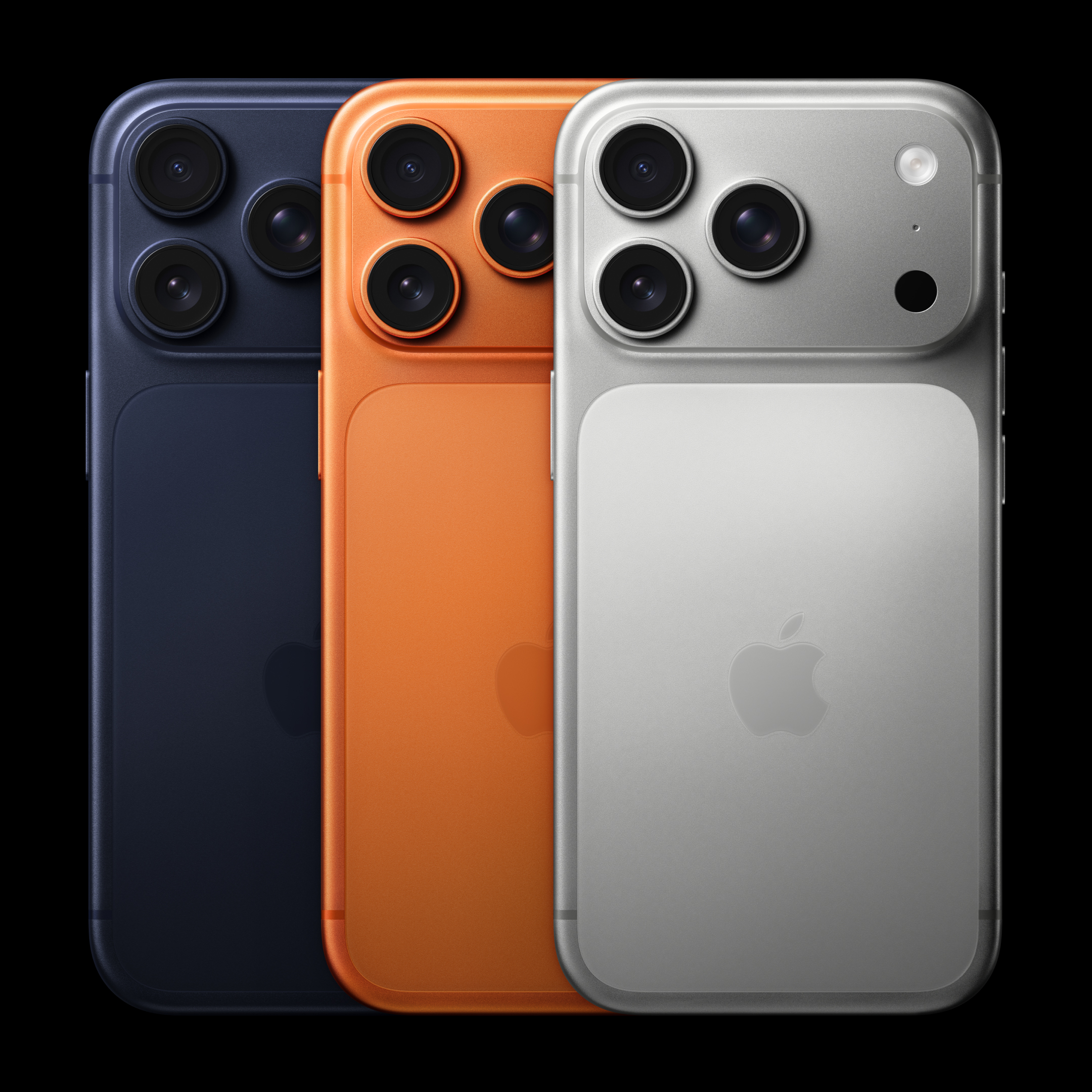
You can buy four distinct iPhone 17 models in the U.S. this year. Prices start at 799 dollars for iPhone 17, 999 dollars for iPhone Air, 1,099 dollars for iPhone 17 Pro, and 1,199 dollars for iPhone 17 Pro Max [3]. Screen sizes are specific to each model: 6.3 inches for iPhone 17 and 17 Pro, 6.5 inches for iPhone Air, and 6.9 inches for iPhone 17 Pro Max [3]. Battery life ratings vary by model, with the Pro Max topping the range at up to 39 hours of video playback [2].
iPhone 17 - the budget-conscious pilot’s choice
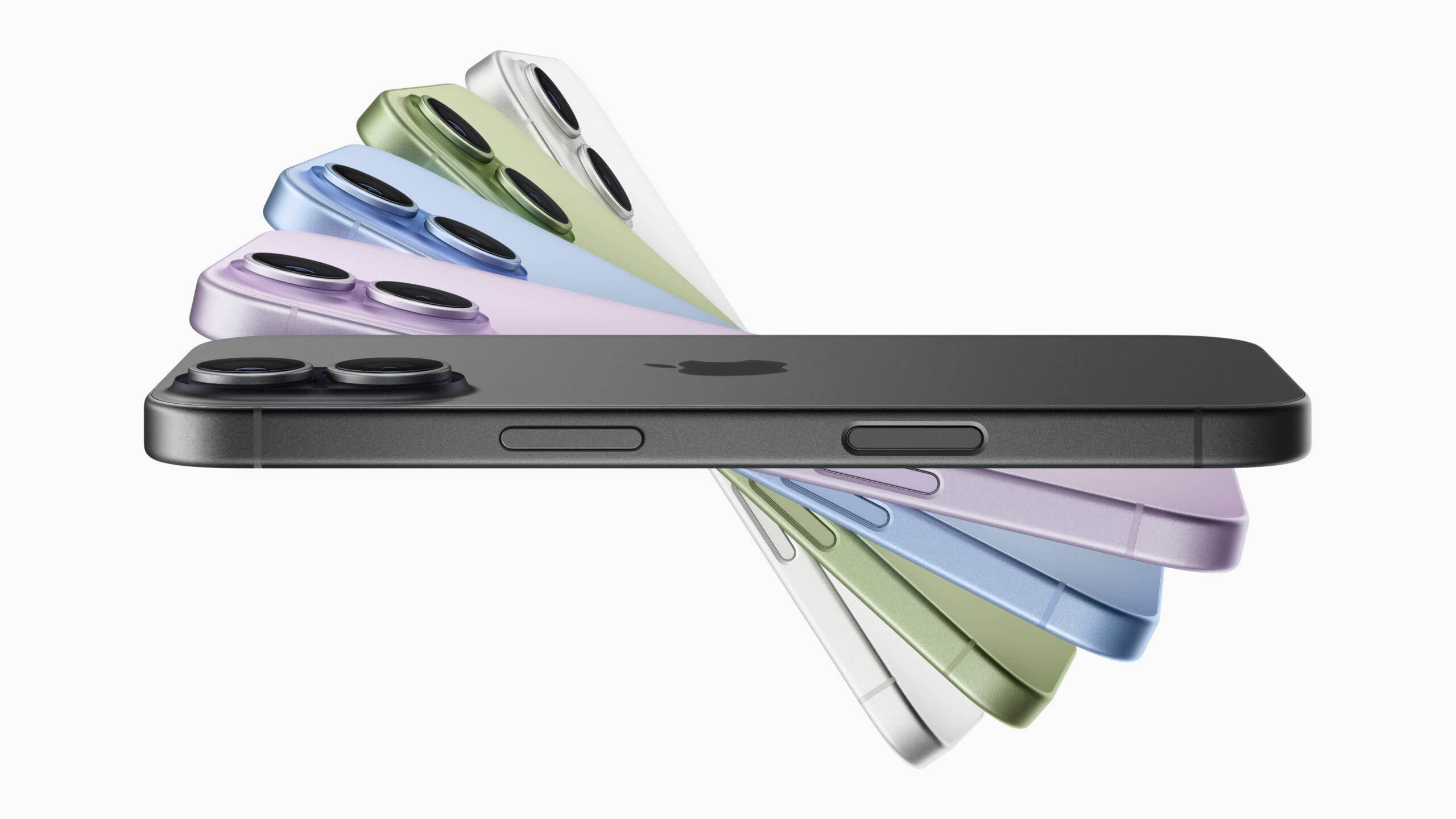
First impressions: the iPhone 17 is the entry point, and the base model finally brings a 6.3 inch 120 Hz display for smoother, more legible panning through charts and weather [4]. It runs Apple’s A19 chip, the standard processor in the lineup. That means it is fully capable for EFBs and travel apps, even if it is not tuned for the highest sustained performance of the Pro-tier silicon [4]. The main camera is a 48 MP unit, which is plenty for detailed maintenance photos and ramp documentation, and battery life is rated up to 30 hours of video playback [3][4].
- Screen brightness and smoothness are now consistent across the 2025 lineup, with up to 3,000 nits, 120 Hz, and an always-on option, which improves readability in bright cockpits compared with older iPhones [1].
- For most EFB tasks, the 6.3 inch panel is adequate. If you often read full-page approach plates on your phone, larger models reduce pinch-zooming and eye strain.
- If you shoot lots of ramp video or training clips, the base model’s camera is good, but the Pro models add a dedicated telephoto lens and higher frame-rate video capture for more flexibility [6][5].
iPhone Air - ultra-portable for weight-conscious aviators
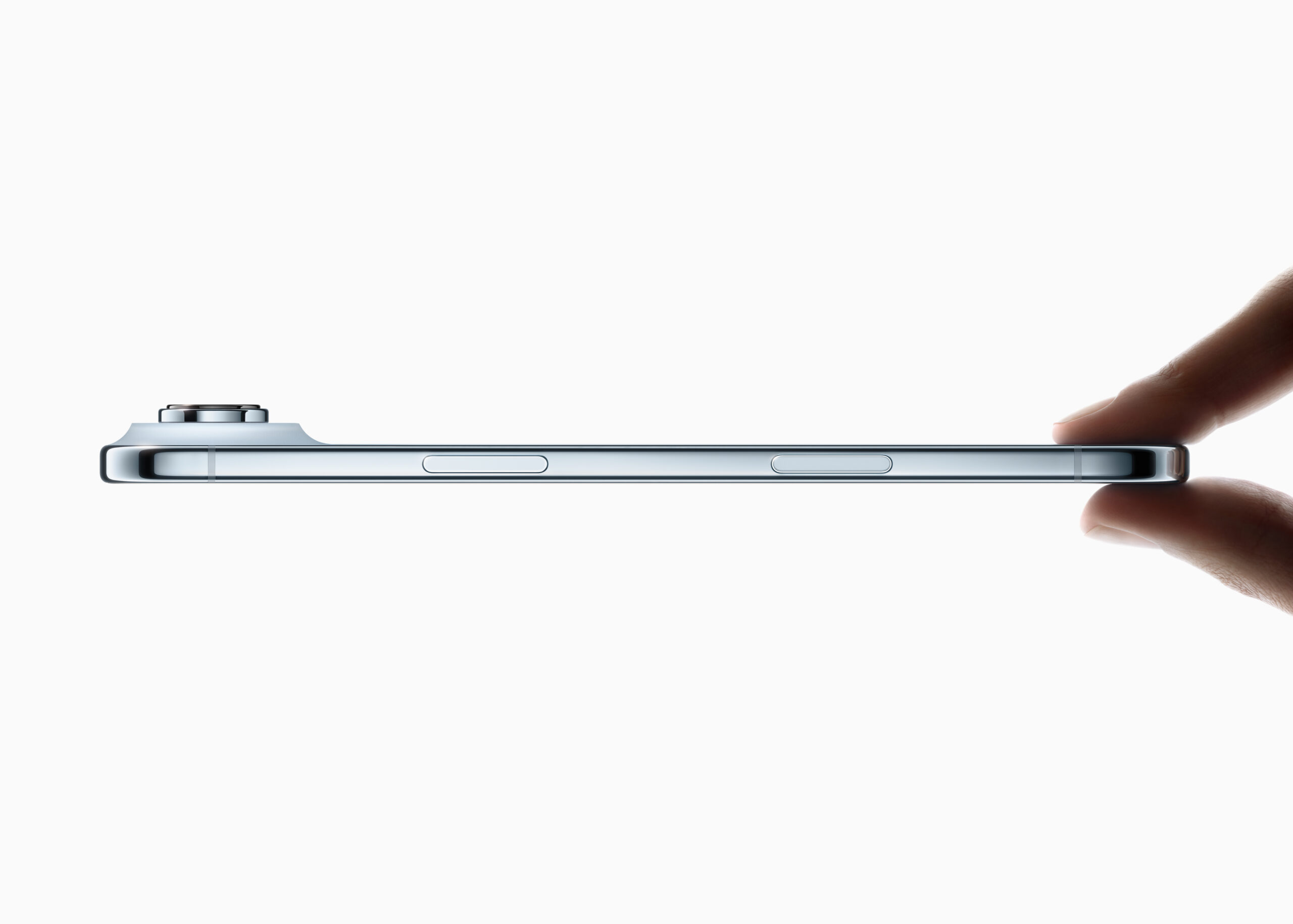
The iPhone Air is Apple’s new ultra-thin, lighter-weight entry. It emphasizes minimal bulk while stepping up to the A19 Pro chip for added performance headroom over the base iPhone 17 [4]. The Air has a single 48 MP rear camera and explicitly lacks ultrawide and telephoto lenses, and it omits video features like Cinematic mode and spatial video capture. Battery life is rated at up to 27 hours of video playback, which is shorter than iPhone 17 and well below Pro Max [4][3].
- If you want the thinnest, lightest carry in a flight bag or uniform pocket, this is the standout in the family [1].
- You give up camera flexibility compared with iPhone 17 and especially the Pro models, including the lack of ultrawide and telephoto perspectives and certain video modes [4].
- If you routinely fly long days and capture lots of 4K training footage, the shorter battery rating means you will plan charging a bit more. Some reviewers pair the Air with an Apple battery accessory that can provide about 40 hours of video playback on the accessory itself, effectively making endurance a modular choice rather than a native device runtime [8].
iPhone 17 Pro - the Goldilocks option
The iPhone 17 Pro brings the most complete feature set in a manageable 6.3 inch size. It uses the A19 Pro chip with an updated thermal design aimed at higher sustained performance under load, which helps during long video shoots or intensive tasks [2]. It adds a triple-camera system with a dedicated telephoto lens and pro-grade imaging, and the Pro line supports higher video frame rates than the non-Pro models, including 4K at 120 frames per second [6][5]. Battery life improves compared to the iPhone 17 and Air, with Apple rating the Pro for up to 33 hours of video playback [2].
- The Pro balances pocketability and capability. You get the telephoto lens for hangar documentation at a distance, and higher frame-rate capture for smoother training clips [6][5].
- The improved thermals and Pro silicon help with sustained workloads on multi-leg days when the phone is updating weather, recording video, and handling logistics [2].
- If you do not want the size of the Pro Max but want pro-grade imaging and performance, this is the sweet spot.
iPhone 17 Pro Max - maximum capability for serious operations
The iPhone 17 Pro Max is the top end. It has the largest 6.9 inch display, the longest battery life in the lineup, and the full professional camera suite, including up to 8x zoom on the Pro family [3][1][5]. Pro models can capture at up to 4K 120 fps, and the Pro Max’s larger screen makes field review more comfortable [5]. Apple rates the Pro Max at up to 39 hours of video playback and calls it the best-ever iPhone battery life. ZDNet also notes the Pro Max reaches 3,000 nits and shows 2x better outdoor contrast compared with the iPhone 16 Pro, which is relevant for ramp use and bright cockpits [2][3].
- If you read plates and charts on your phone often, the 6.9 inch canvas reduces zooming and helps the scan in bumps [3].
- If you fly full-day missions, the Pro Max’s battery rating is the most forgiving in the series [2].
- If you rely on telephoto reach for maintenance documentation, ramp inspections, or air-to-air content, the Pro camera array and up to 8x zoom help you get the shot when you cannot get closer [5][1].
Display technology - conquering cockpit glare and sunlight
3,000 nits: the change pilots will notice
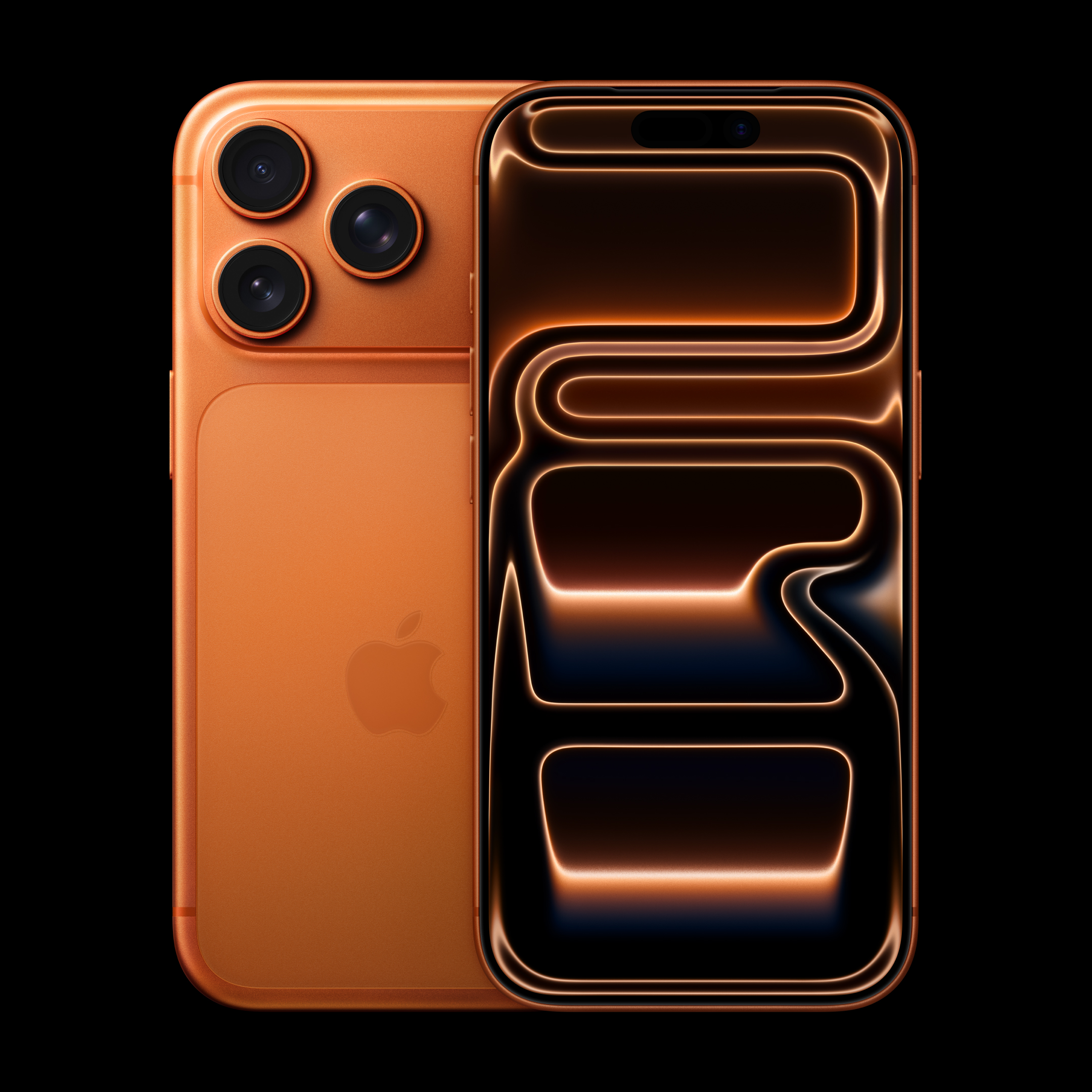
Visibility is everything in a bright cockpit. All four iPhone 17 models feature OLED panels with up to 3,000 nits of peak brightness, 120 Hz ProMotion, and an always-on display option. Those characteristics improve readability against direct sunlight and canopy reflections that can wash out older displays [1]. The Pro Max in particular is highlighted for hitting 3,000 nits and delivering 2x better outdoor contrast versus iPhone 16 Pro, which matters if you frequently use your phone on the ramp or in bubble canopies where glare can be severe [3].
Screen size considerations for EFB apps
- For light GA and weekend flying, the 6.3 inch iPhone 17 or 17 Pro is fine if your iPad or panel display is primary and the phone is a backup. Use the phone for quick reference and comms [3].
- If you often read approach plates or taxi diagrams on your phone in turbulence, the 6.5 inch iPhone Air buys meaningful real estate without adding much bulk [3].
- If you want a phone that can function as a true emergency EFB canvas in a pinch, the 6.9 inch iPhone 17 Pro Max is the most comfortable to use and gives you the broadest view of weather, plates, and NOTAMs [3].
One-handed operation matters during critical phases. If you frequently operate single-pilot IFR and need a device you can manipulate securely with one hand while hand-flying, the 6.3 inch form factor remains the most nimble. If you primarily fly with automation and want the best readability, the Pro Max’s larger panel makes the scan calmer.
Connectivity features that matter at 10,000 feet
eSIM and international flying
For international ops, plan on using eSIM profiles for local data plans and keep at least one backup profile active for redundancy. This is less about which iPhone 17 you buy and more about how you provision connectivity. Verify coverage at planned destinations, confirm any regional activation requirements, and test switching profiles before a critical trip. If you regularly cross borders and handle SMS-based verifications for ops tools, keep your home-number line active and add local data-only eSIMs for on-the-ground bandwidth at FBOs. This approach avoids surprises when a network change breaks an app login at the wrong moment.
Wi-Fi in the hangar and Bluetooth in the cockpit
For big database updates and video uploads, use hangar Wi-Fi before you launch. Organize your workflow so the phone syncs charts and content on the ground, rather than attempting large downloads over cellular at remote airfields. In the cockpit, keep Bluetooth pairings lean. A phone and a primary headset are fine, but think twice before adding a third or fourth device on the same flight. Less RF clutter usually means fewer audio surprises.
Backup positioning and operational caution
I do not treat a smartphone as a primary nav source. It is a helpful backup for situational awareness and documentation. Use it to cross-check, not to substitute for certified avionics. As a habit, test your preferred EFB on the phone in airplane mode before you need it, so you know which features are available offline.
Emergency and satellite features - your digital safety net
Emergency and contingency use
If you occasionally fly into remote strips or areas with poor cellular coverage, plan your comms stack accordingly. That can mean carrying a certified satcom, having a PLB on your person, and treating any phone-based rescue or SOS features as helpful but secondary. Practice is paramount: brief how you will communicate, who will be contacted, and how you will share coordinates in the event of an off-airport landing or diversion. Keep those instructions laminated in your kneeboard or stowed in a side pocket.
Battery performance and charging - powering through long flights
Battery life breakdown by model
- iPhone 17: up to 30 hours. Expect a full day with typical comms, photos, short clips, and EFB cross-checks if you start at 100 percent and top off on the ground as needed [3].
- iPhone Air: up to 27 hours. It is thinner and lighter, but you will feel the shorter endurance on long itineraries unless you charge between legs [3].
- iPhone 17 Pro: up to 33 hours. The added endurance plus improved thermals make it comfortable for multi-leg missions and extended filming [2].
- iPhone 17 Pro Max: up to 39 hours and Apple’s best-ever iPhone battery life. For all-day operations or long training days, this is the power user’s pick [2].
If you are curious about pushing the iPhone Air’s endurance specifically, reviewers have noted that pairing it with an Apple battery accessory provides about 40 hours of video playback on the accessory, which is a useful modular option if you love the Air’s size but want more total runtime in your kit [8].
Fast charging between legs
For the Pro and Pro Max, Apple specifies up to 50 percent charge in 20 minutes with a high-wattage power adapter. That is enough to add meaningful endurance during a quick turn at the FBO or while preflighting [2].
Power management in the aircraft environment
- Preflight power: start the day at 100 percent. Top off at the hangar and use Wi-Fi while you run your preflight and update apps and charts before walking to the aircraft.
- In-cockpit charging: use a high-quality, certified USB-C cable, strain-relief the connector, and avoid cheap adapters that can brown out under load. Keep a backup cable on board.
- Heat management: when mounting the phone in direct sunlight, give it airflow. Do not leave it on the glare shield. Heat can throttle performance and slow charging.
- Battery discipline: set a minimum power reserve. For example, never let the phone drop below 30 percent in IMC or at night without plugging in.
Camera and video capabilities - beyond personal use
Documentation and maintenance photography
For aircraft owners and managers, the camera is not just for personal photos. You will use it to document squawks, paint chips, RINs, oil leaks, part numbers, and logbook entries. The iPhone 17’s 48 MP main camera is a strong baseline for detail capture, and the Pro family’s telephoto lens allows better framing when you cannot get physically close to the subject. If you care about the camera suite, remember that the iPhone Air has a single 48 MP rear camera and drops certain creative video features present on the other models [4][6].
Pro model video features for aviation
If you record training flights, maintenance procedures, or marketing content for your operation, the Pro and Pro Max stand out. They support higher video frame rates than the non-Pro models, including up to 4K at 120 frames per second. That gives you smoother slow motion for debriefs and inspection footage, especially when you are analyzing touchdown technique or control timing [6][5]. Coupled with the Pro Max’s large and bright display, reviewing footage in the field is more comfortable [3][1].
Spatial video and training workflows
For training and standardization, think in terms of workflow, not just specs. Stabilize the phone, frame the instruments and the pilot’s hands, and record in a mode that makes sense for later review. If you plan to use creative video modes, validate that the features you want are present on your chosen model. For example, the Air omits Cinematic mode and spatial video capture [4].
Model-by-model pilot recommendations
iPhone 17 - best value for weekend warriors
Recommendation: choose the iPhone 17 if you want strong fundamentals at the lowest price in the lineup. The 6.3 inch, 120 Hz display is bright and smooth enough to be a credible cockpit backup, the A19 chip is more than sufficient for EFB and travel apps, and the 48 MP main camera is versatile for ramp documentation. Battery ratings at up to 30 hours are solid for typical light GA missions if you start the day topped up [4][3][1].
iPhone Air - the frequent flyer’s companion
Recommendation: pick the iPhone Air if you prioritize ultra-thin, lightweight carry with more horsepower than the base model. It steps up to the A19 Pro chip while keeping hardware minimal, which makes it a great travel phone if you prefer a slimmer profile in a uniform pocket [4][1].
- You get a single 48 MP rear camera and lose certain video features such as Cinematic mode and spatial video, so serious content creators will prefer the Pro line [4].
- Battery life is the shortest of the family at up to 27 hours, so plan on charging between legs if your day runs long. If you love the Air’s size but need more endurance, consider pairing it with Apple’s battery accessory to extend total runtime substantially [3][8].
iPhone 17 Pro - the professional pilot’s sweet spot
Recommendation: choose the iPhone 17 Pro if you want pro-grade capabilities in a compact size. It brings the triple-camera system with telephoto reach and higher frame-rate video capture, plus improved thermals for sustained performance with the A19 Pro. Battery life at up to 33 hours gives you cushion across a multi-leg day without leaning on a charger [6][2].
iPhone 17 Pro Max - for maximum aviation capability
Recommendation: get the iPhone 17 Pro Max if you value the largest display and longest battery more than one-handed nimbleness. The 6.9 inch, 120 Hz display is the easiest to read in bright cockpits, and the camera system adds up to 8x zoom and high-frame-rate 4K capture for professional results. Battery life at up to 39 hours is the most forgiving, and Apple calls it the best-ever iPhone battery [3][5][2].
- Aircraft owners and operators who want a phone that can double as a credible EFB fallback and who frequently film training or marketing content.
- Pilots who fly long, multi-leg days with minimal access to outlets and want maximum endurance [2].
Accessories and integration - completing your cockpit setup
Essential mounting solutions
Mount the phone so it stays readable but out of your instrument scan unless you need it. A kneeboard mount keeps it in your natural scan path during taxi and approach. A yoke or side-stick mount can work for VFR but keep the display from blocking any primary instrument or annunciator. Use low-profile MagSafe-compatible mounts only if they lock positively and will not eject in turbulence. Test your mount on the ground with full control deflection, canopy open and closed, and with gloves on.
Power and connectivity accessories
- Carry a high-output USB-C charger and a second cable. Label your cables and stow one in the aircraft at all times.
- If you routinely film in 4K or run multi-camera setups, bring a compact battery bank and charge between legs.
- Keep your Bluetooth pairing list short. Pair with your headset if applicable. Remove stale pairings that can steal audio focus.
Case and protection choices
- In trainers and rentals, lean toward a case with reinforced corners and a lip around the display. You will be in and out of cockpits with metal hardware and switches.
- Keep the screen clean. Anti-reflective glass helps, but even the best OLED struggles if it is smudged in direct sun [1].
- If you fly with gloves, test touch response and button accessibility before you commit.
Cost analysis and value proposition for pilots
Total cost of ownership considerations
- 256 GB: workable if your video capture is occasional and you regularly offload clips.
- 512 GB: the safer sweet spot for a pilot who records training segments weekly and keeps robust offline chart coverage.
- Higher tiers: useful if you record and archive many flights before offloading.
Factor AppleCare+ into your math if you operate around tools, tugs, and hangar floors. Devices get dropped. The best time to have coverage is before your first hard landing on concrete.
Comparing against Android alternatives
Ecosystem drives productivity. If your operation standardizes on iOS-first apps, staying on iPhone minimizes friction and keeps your EFB and accessories in sync. Conversely, if your shop is Android-first, align your phone choice with the apps and accessories you trust. The right choice is the one that keeps your cockpit workflow simple and predictable.
Upgrade timing and trade-in strategies
If you are on an iPhone two or three generations old and you fight glare or battery anxiety, this year’s lineup is a meaningful quality-of-life jump. Across the board you get brighter displays, 120 Hz, and always-on capability, and the Pro Max delivers the longest iPhone battery life to date. Plan your trade just before a major trip when you have time to set up, test mount placement, pair headsets, and validate your EFBs in airplane mode. Do not swap phones the night before a checkride or a Part 135 line check [1][2].
Conclusion - making your final approach decision
Here is my bottom line for pilots choosing among the iPhone 17 family:
- Best all-around for pilots: iPhone 17 Pro Max if you value the largest screen, the longest endurance, and the most capable camera suite, especially for long days and bright cockpits. The 6.9 inch display and up to 39 hour battery rating are standouts [3][2].
- Best balance of size and capability: iPhone 17 Pro. You get the triple-camera system with higher frame-rate capture, improved thermals for sustained performance, and battery life that comfortably spans a busy schedule [6][2].
- Best value: iPhone 17. It brings a 120 Hz, brighter display to the base model, runs an A19 chip that is fully capable of flying duties, and costs the least in the lineup [4][3][1].
- Lightest travel phone: iPhone Air for pilots who want the thinnest, simplest device, understand the single-camera trade-offs, and are willing to manage charging more actively or add an Apple battery accessory for extended days [4][3][8].
Pick the screen size that fits your cockpit, the camera system that fits your documentation needs, and the battery life that fits your mission. Then kit it with a reliable mount and power plan, and validate your workflow on the ground before you fly with it. Do that, and any of these four phones will serve you well in 2025.
Frequently asked questions
Can I rely on a smartphone as my primary navigation device in flight?
How much storage do I really need?
I fly in bright cockpits. Which display will be easiest to see?
Which iPhone 17 models have the best camera for aviation documentation and training?
Sources
- WIRED: Apple iPhone 17, iPhone Air and iPhone 17 Pro
- Apple iPhone 17 Pro
- ZDNet: Every iPhone 17 Model Compared
- WIRED: Which Apple iPhone 17 Models to Buy
- Mashable: iPhone 17 vs. Air vs. 17 Pro vs. 17 Pro Max
- PCMag: Apple iPhone 17 vs. Air vs. 17 Pro vs. 17 Pro Max
- Apple: iPhone 17
- GadgetHacks: iPhone 17 Air Review

We promise we don't send spam